
Your balance is visible in four places, and they always show the same number.
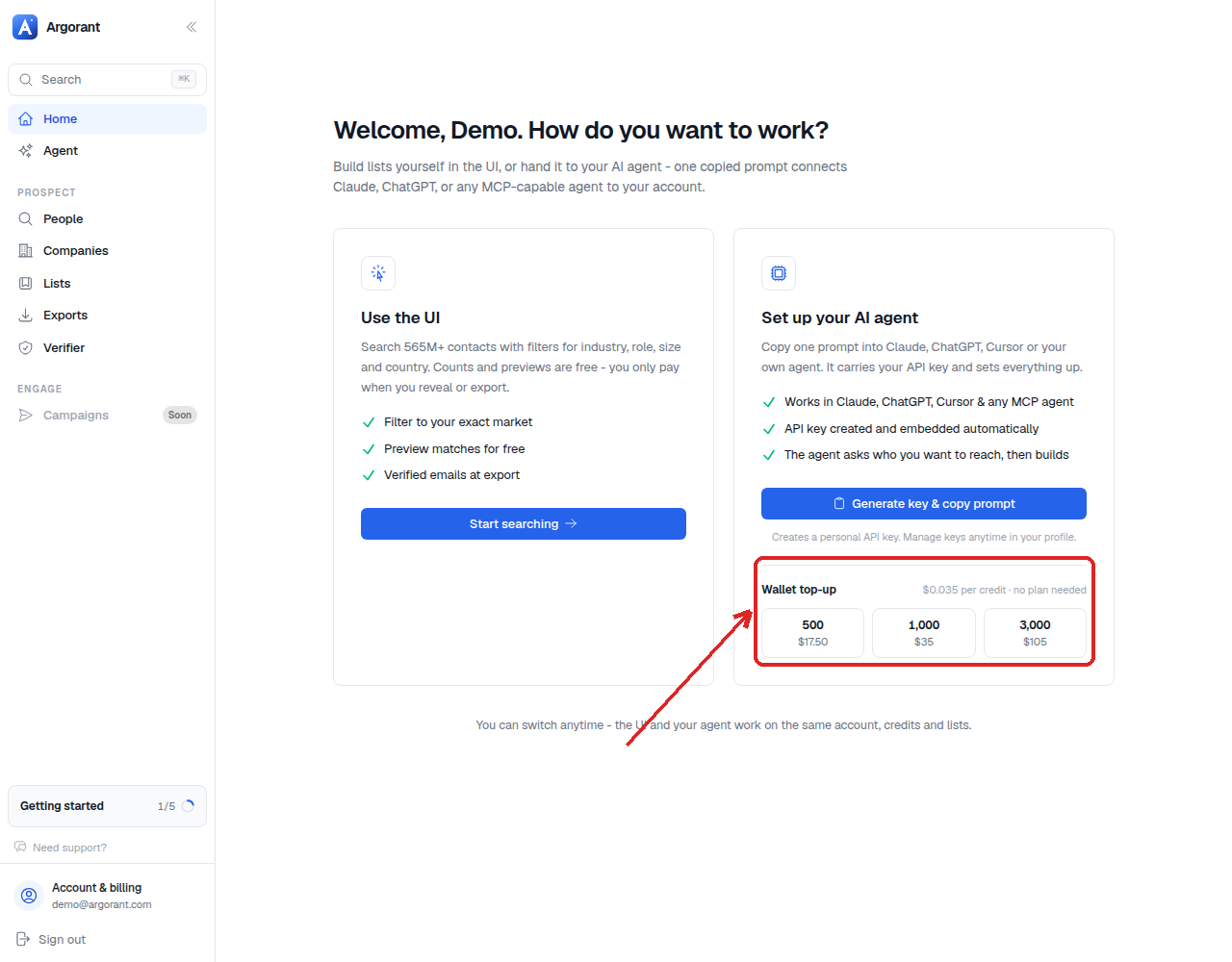
- Home - the wallet tile shows your current balance next to the top-up options. This is the fastest check.
- Profile → Billing - the plan card shows which plan is current and what it grants; Billing history shows every charge.
- REST API -
GET /api/mcp/accountreturns identity and quota, so an agent can check before it spends. - CLI - the account command reports the same figures in a terminal, and exit code 5 signals payment required during any run.
Contacts and email checks use the same credits, so one number tells you what you can still do: a contact costs one credit, a check half a credit.
Balances update the moment a payment completes and the moment a spend is recorded, so there is no lag to account for after a top-up.
For agents, the account endpoint is the right pre-flight check. Calling it costs nothing and lets an agent decide between exporting now and asking you to top up first.