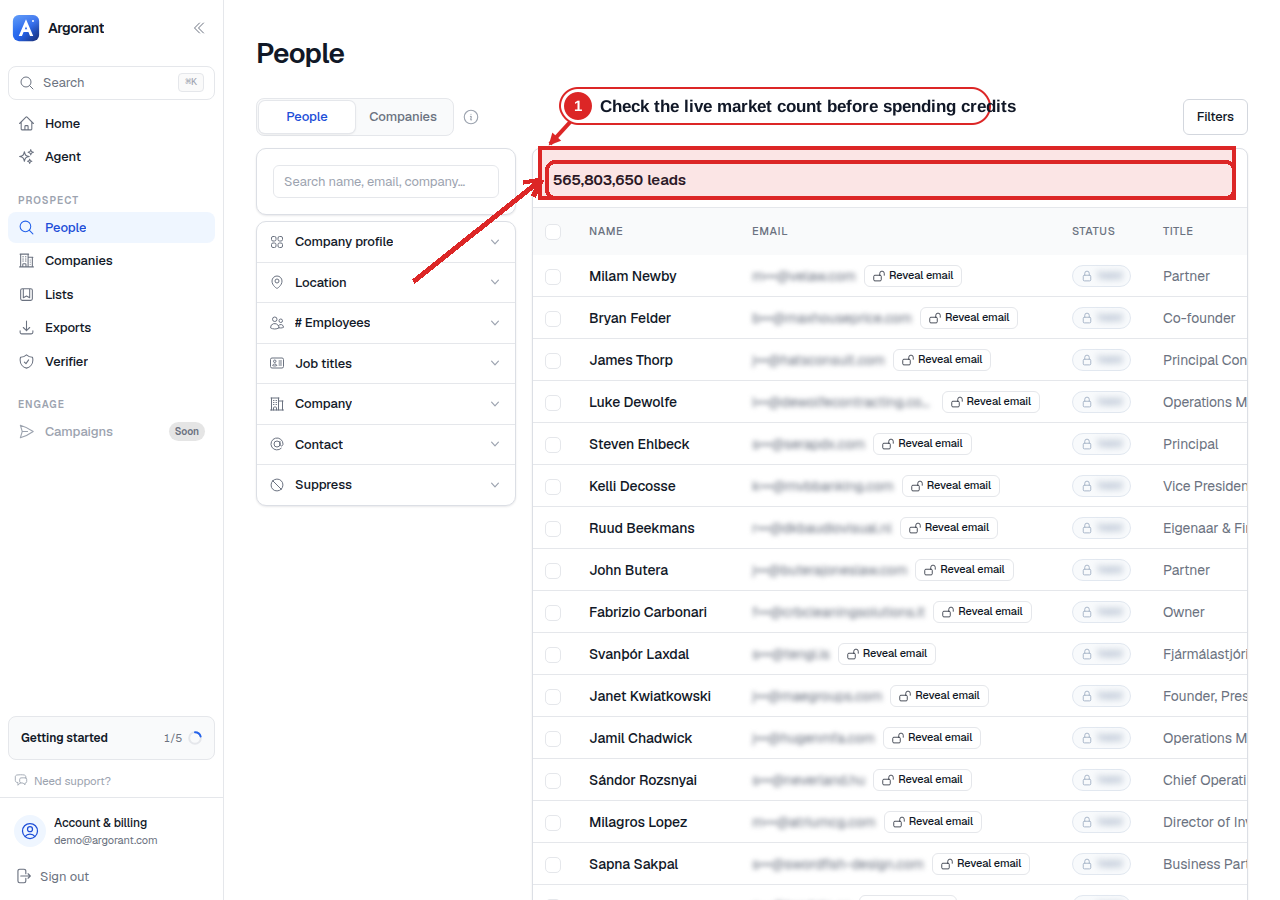
List building has always been a filter-fiddling exercise: stack dropdowns, inspect the count, adjust, export, discover the list was not what you meant, and repeat. An AI agent connected to the database turns that loop into a conversation. You describe the audience, the agent interrogates the data and refines until the numbers make sense, and only then do you authorize paid output.
This walkthrough uses Claude and Argorant over the Model Context Protocol. Other MCP clients may use the same remote endpoint, but their connector setup, approval UI, authentication behavior, and available tools must be tested separately.
The two-minute setup
Argorant exposes a remote MCP server at https://mcp.argorant.com/mcp. In Claude's connector settings (or via `claude mcp add` in Claude Code), add that URL as a remote server. The first call triggers an OAuth flow in your browser: you sign in to your Argorant account, approve the connection, and the agent receives a scoped token. No API keys pasted into config files, and you can revoke the connection from your account at any time.
Once connected, Claude sees 15 documented tools covering account inspection, company and people search, counts, company people, masked previews, contact reveal, enrichment, saved lists, exports, and job status. MCP access is included on Argorant paid plans; a separate prepaid agent wallet supports bounded contact purchases without a recurring subscription.
The economics: free to look, metered to take
The tool design separates discovery from paid contact output. Search, count, and masked preview let Claude test the shape of the market before it reveals or exports contact data. Those discovery actions do not consume contact-output credits under the current product rules, although normal account and rate limits still apply.
Credits are only spent on reveals and exports, when verified contact data actually leaves the system. And because Argorant verifies via live SMTP at export and charges 0 credits for invalid results, the metered step only bills you for addresses that pass. An agent can't burn your balance on exploration, and it can't burn it on bounces either.
A real session, end to end
Here's what the loop looks like in practice. You ask: "Find heads of operations at mid-size logistics companies in Germany and the Netherlands." Claude calls the count tool with its first interpretation of that request — maybe 50–500 employees, a transportation-and-logistics industry filter, two country codes — and reports something like 4,800 matching people.
Then the interesting part: you interrogate the result before paying for it. Ask how the count splits by country and request a masked title sample. Claude runs preview calls, you spot that the title filter is catching warehouse shift leads, you tighten it, and the count changes. Continue until the interpreted filters and the visible sample describe a segment you actually believe.
Only then do you say "reveal the top 200 and export them as CSV." That's the first moment credits are spent — on a list you've already inspected from three angles, with every address SMTP-verified on the way out.
A practical tip for repeatability: once a definition is dialed in, ask Claude to restate the final filter set explicitly — industries, headcount bands, countries, title patterns. Paste that into a project file or system prompt and the next session starts from a known-good baseline instead of re-deriving the ICP from scratch.
The prompt that keeps Claude inside the guardrails
Tell Claude to work in stages: first restate the ICP as explicit filters; second run a count; third show a masked preview and explain mismatches; fourth wait for approval; only then reveal or export a fixed maximum number of contacts. This makes the approval boundary part of the task instead of relying on the agent to infer it.
A practical prompt is: 'Translate this ICP into explicit company and person filters. Show me the filters, count the matches, and preview five masked records. Do not reveal, enrich, create a paid export, or push to another system until I approve the final filters and a maximum spend.' After the preview, ask Claude to state the expected paid action, record limit, and current balance before approving it.
For repeatable runs, save the approved filter object and exclusion rules. Do not save a broad instruction such as 'find good buyers,' because a future model or changed data vocabulary can interpret it differently.
Test the failure paths before trusting the happy path
A working count is not an end-to-end proof. Test a no-result query, a deliberately unsupported filter, an expired or revoked connection, insufficient balance, a rate-limited request, and a duplicate export request. Claude should explain the state and stop, not silently broaden the audience or retry a paid action without a bound.
After an authorized export, compare the requested limit, returned rows, valid-output count, charged credits, and job status. Invalid, catch-all, unknown, suppressed, and duplicate outcomes should not be flattened into one success number.
Finally, disconnect the connector in Claude and revoke it in Argorant. Confirm that the old token can no longer read account data. Revocation is part of the setup test, not an administrative afterthought.
If you'd rather stay in the terminal
The same workflow is available without an agent in the middle. The Argorant CLI is published on npm — `npx argorant` runs it with zero install — and exposes search, counts, reveals, and exports as commands you can script. It authenticates against the same account and the same credit balance, so a cron job, a CI step, or a quick one-off pull from a shell all draw from one place.
The CLI is also the pragmatic debugging layer for agent workflows: when you want to confirm exactly what a filter matches before encoding it into an agent's instructions, one command gives you ground truth.
Why this beats the dashboard loop
The structural win is that iteration becomes nearly free, in both time and credits. In a traditional tool, every refinement costs a page reload and every mistake costs an export. In the agent loop, refinement is a sentence and mistakes are caught at the preview stage, before money moves.
It also means list building composes with everything else your agent does. Claude can pull the list, draft the first-touch copy referencing each company's industry, and hand the file to your sequencer — one conversation, with 626.5M contacts across 202 countries sitting behind a protocol the agent already speaks. Connect once, then stop clicking dropdowns.