
By the end of this guide your AI agent - Claude, ChatGPT, Cursor, Grok, or anything that speaks MCP or HTTP - will search 626.5 million contacts, count markets for free, and export verified emails on its own. We'll do the whole path once, slowly, with every branch signposted: what you'll see when it works, and what it means when it doesn't.
What you need before you start
Start with an email address you can confirm and a supported agent runtime. A subscription is not the only billing route; permitted actions can use a prepaid wallet.
New accounts get a 14-day trial after email confirmation: 100 credits and 300 campaign emails, no card and no automatic subscription; when it ends, campaigns pause and unused trial credits expire until a plan or pay-as-you-go credits are added. The app, REST API, CLI and MCP share the same account and balance; connecting another client or creating an API key does not add a second grant. Existing balances and subscriptions are unchanged.
Use the OAuth MCP connection when your client supports custom remote MCP servers. Otherwise use the CLI from a Node/npm-enabled terminal, or REST from an authorized HTTP environment. Pasting a personal key into a chat does not create a connection or bypass the client's restrictions.
Search, counts and masked previews do not deduct credits. Account permissions and rate limits still apply.
Require explicit approval of the scope, row limit and credit budget before reveal, person enrichment or a new export, and before launching a campaign or sending a reply. Client tool labels are not a universal confirmation guarantee; non-interactive CLI commands can spend immediately.
Step 1: Create the account the agent way
Open app.argorant.com/start. You'll see two doors: one for working in the app, one for setting up an agent. Pick the agent side.
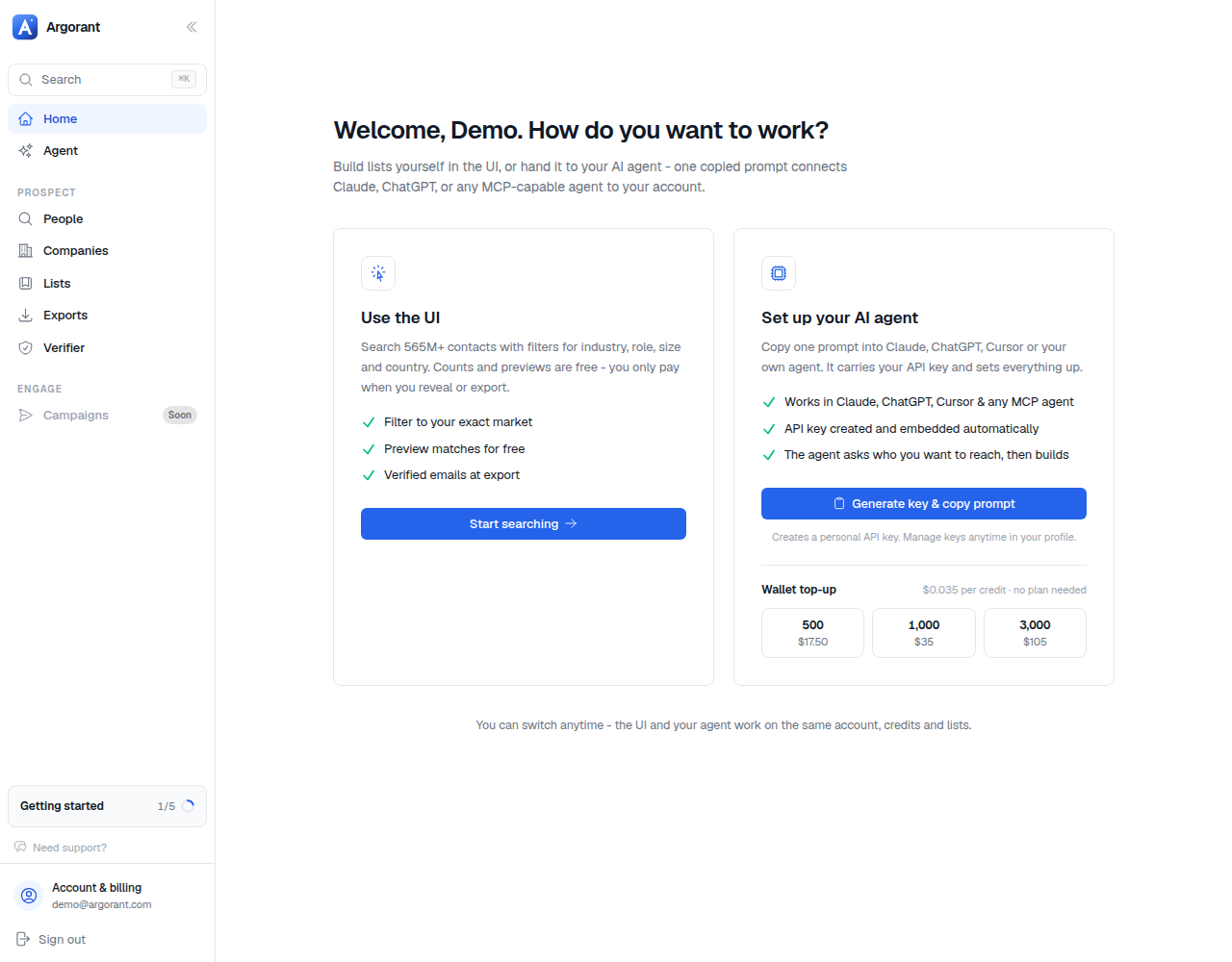
Sign up with a permanent mailbox and confirm the address with the code from your inbox. Two branches here:
- "Starter credits need a permanent email address." You used a disposable-mail domain. Use a work or personal mailbox instead; temporary inboxes never qualify for the free credits.
- The confirmation mail never arrives. Check spam first, then request a fresh code from the same screen. Codes expire, and only the newest one counts.
Step 2: Choose OAuth or create a personal API key
For remote MCP, connect with OAuth and your Argorant account; do not paste a personal key into the MCP URL. For CLI or REST, create a personal key in /start or Profile. An eligible first key may receive the starter grant described above. Check the returned account balance before promising free output.
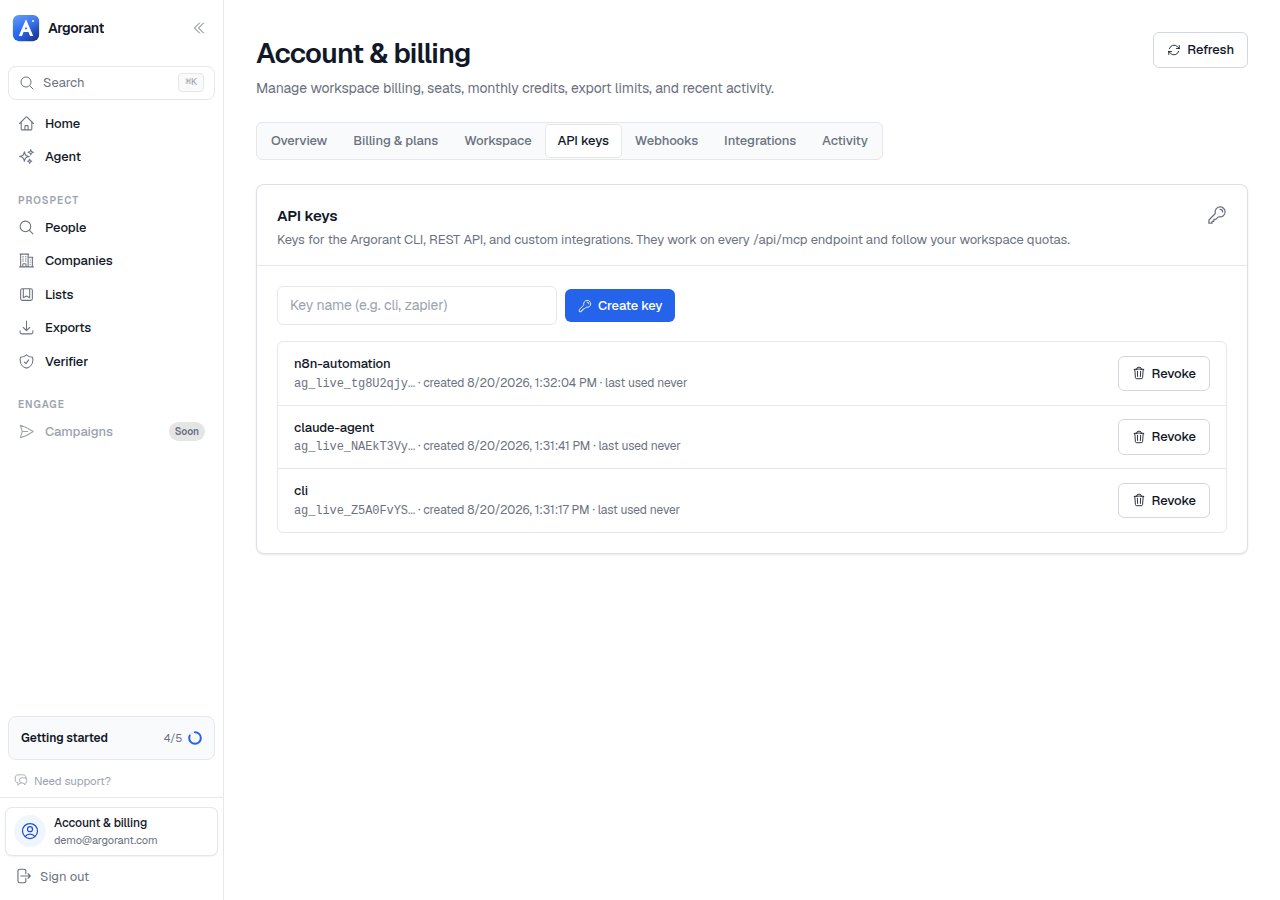
The key starts with ag_live_ and is shown in full exactly once. Store it like a password. If you lose it, revoke and mint a new one; nothing else on the account changes.
If key creation is refused with "Starter credits were already claimed for this mailbox", the free grant was already used by an account on the same normalized address (plus-tags and Gmail dots don't create new mailboxes). Top up the wallet or pick a plan; the key mints fine either way.
Step 3: Wire up your agent
Two transport options; pick whichever your agent supports.
Option A: MCP (Claude, ChatGPT, Cursor, Grok Bot)
Add https://mcp.argorant.com/mcp in a client that supports remote MCP and OAuth. Sign in and approve the requested permissions. The current catalog has 78 tools for finding people, contacts and phone numbers, lists and exports, checks of your own email lists, campaigns, replies, mailboxes and credits. Set the explicit spending and output rules before starting.
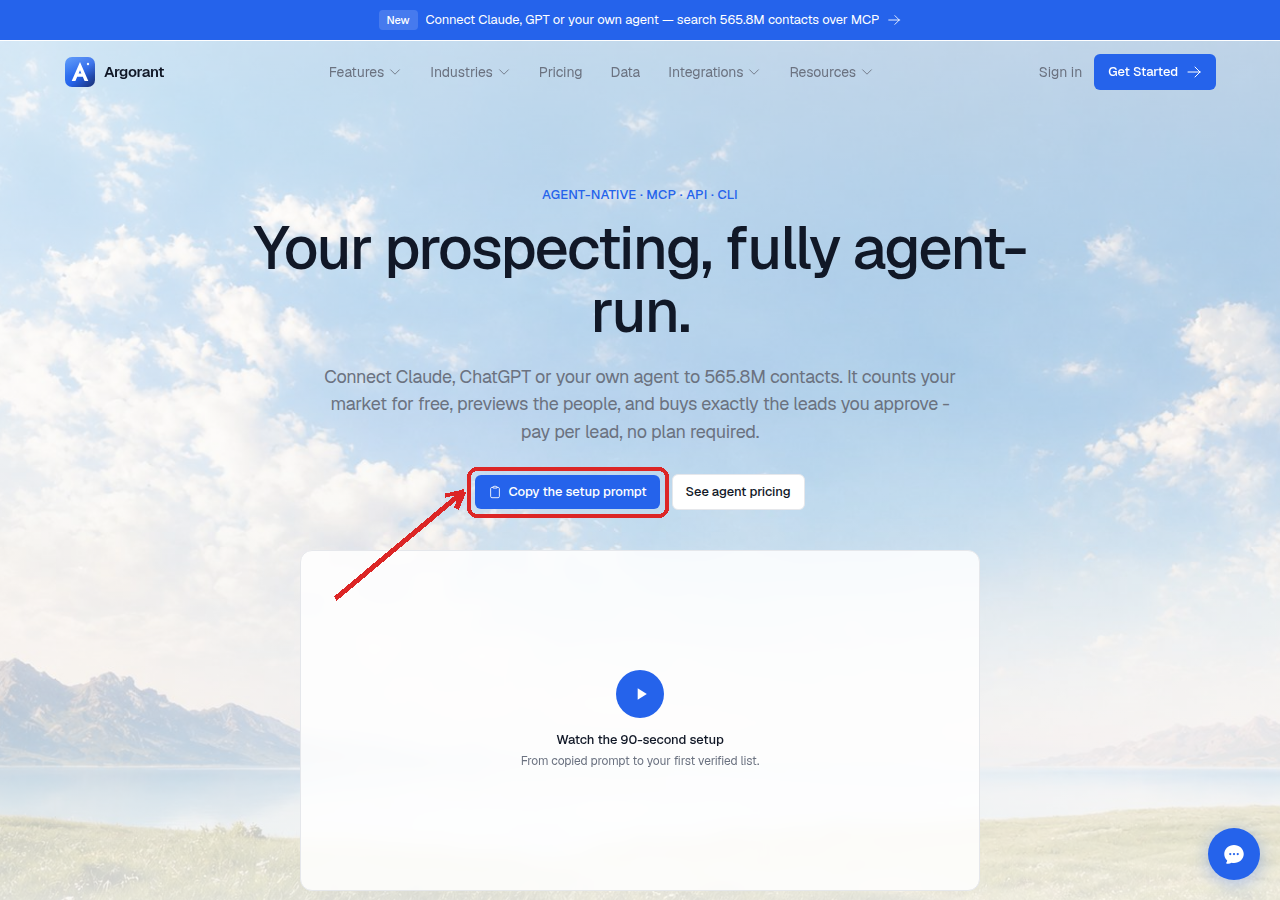
Option B: REST with a personal key in an authorized HTTP runtime
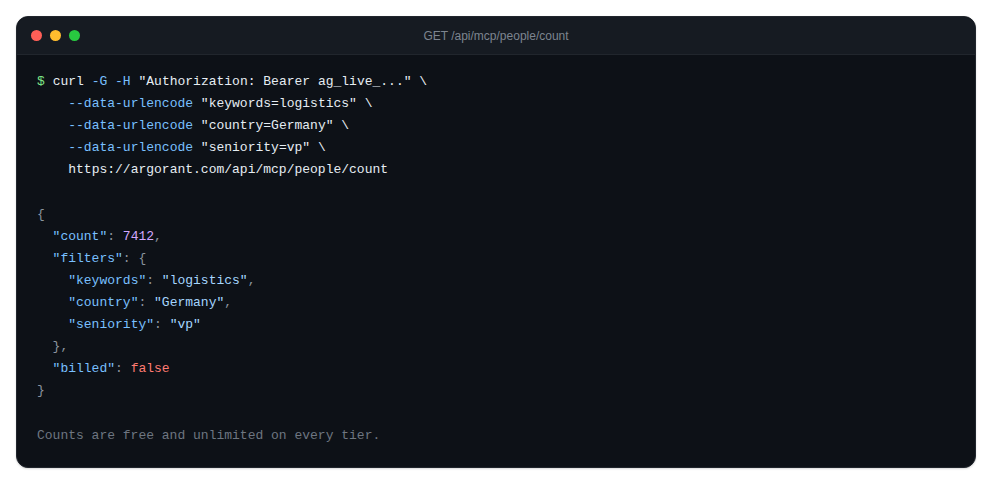
Every endpoint lives under https://app.argorant.com/api/mcp/ with Authorization: Bearer ag_live_.... The three you'll use constantly:
Step 4: The first real task
Give the agent something concrete: "Count CFOs at German fintech companies on Argorant, show me a sample, and tell me what an export of the top 500 would cost."
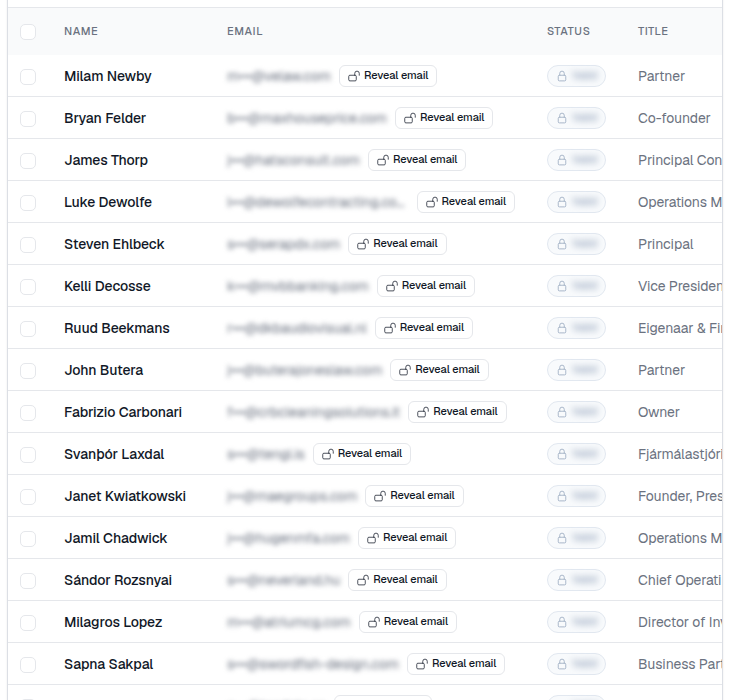
A healthy run returns the actual count, including zero if no records match, a masked preview and the applicable credit cost. A contact count is not a unique-company count or proof that every email is already verified. Contact details stay masked at this stage by design - initials, role, company, location, but no address. That is not a bug; it is why exploring costs nothing.
Step 5: Export, and what the bill actually is
When the list looks right, let the agent export. Now, and only now, credits move: 1 credit per deliverable contact. Verification runs live at export time; addresses that fail are removed and cost nothing. A 500-row export where 460 addresses verify bills 460 credits, and the CSV you download contains 460 rows that were deliverable minutes earlier.
The branches you might hit:
- 402, "API and MCP access need either a plan or wallet credits." The starter credits are spent. Top up the wallet (500 credits for $17.50; no subscription) or pick a plan. The wallet is the agent-native path: money in, leads out, nothing recurring.
- 429, rate limit. The agent is hammering. Wallet and plan tiers raise the ceiling; a well-built agent batches counts instead of looping one filter at a time.
- Export smaller than the count. Correct behaviour: the count is the matching universe, the export is the deliverable subset after live verification and after removing rows you exported before.
Where to go from here
Your agent is connected and has produced its first verified list. The next guide teaches the part that actually compounds: building a precise target list with industry, seniority, and keyword filters, and letting the agent widen or narrow the market on command.
