
Deliverability is whether your emails land in the inbox or in spam. Email providers decide that for every message, mostly by looking at how your domain and mailboxes behaved in the past. You cannot buy a good reputation, but you can protect it. These are the habits that matter most.
Keep your main domain out of cold email
Your main domain sends invoices, contracts and replies to customers. If cold email hurts its reputation, those emails start landing in spam too. So cold email goes out from separate sending domains that look like yours, for example getnorthwind.com next to northwind.com. Point the sending domains at your website, so a curious reader still finds you.
Each sending domain needs its records set up correctly before it sends anything. These records tell providers that the mailbox may send for that domain. Mailboxes you order in Argorant come with this already done. For your own domains, your email provider's admin page shows what to add.
Warm up every new mailbox
A brand new mailbox that suddenly sends hundreds of emails looks like spam. Warm-up sends a small number of friendly emails between real mailboxes each day and replies to them, so the mailbox builds a history first.
- Open Inboxes, open the mailbox's menu and choose Edit sender.
- Under Warm-up, switch on Warm-up on. The default of 10 warm-up emails a day is fine for most mailboxes.
- Click Save sender. Keep warm-up running for as long as the mailbox sends campaigns.
Warm-up is off until you switch it on, it is included in every plan, and its emails never count against your limits or show up in the Unibox. Warm-up explains the other settings.
Keep daily limits low and add mailboxes instead
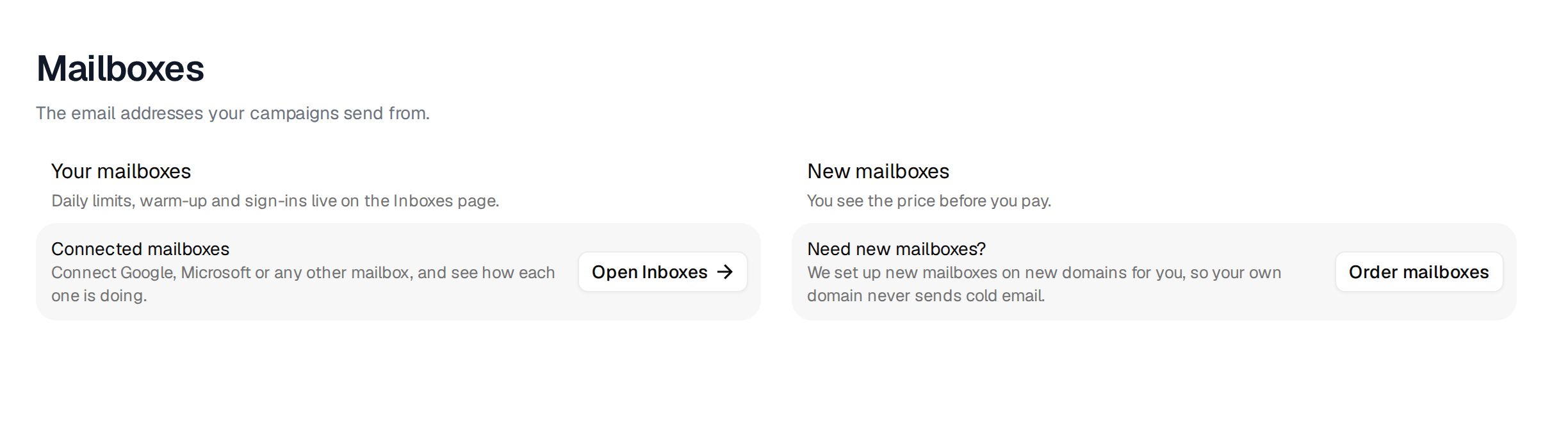
Every mailbox has its own limit of cold emails per day. A campaign never sends more than that from a mailbox, even when several campaigns share it. Mailboxes you buy from us start at a fixed 5 a day. Raise your own mailboxes slowly, and only when warm-up is running and the reputation looks good.
The math is simple. If you want to reach 600 people a week with three emails each, that is 1,800 emails a week, or about 360 per weekday. At 30 cold emails per mailbox per day, you need 12 mailboxes, spread across three or four domains. More mailboxes at a calm pace beat a few mailboxes pushed hard. Daily sending limits per mailbox shows where to set it.
Send only to addresses that work
Bounces are the fastest way to hurt a mailbox. Most of them come from old addresses and guessed ones.
- Keep Valid as the only email result for cold campaigns. Add catch-all addresses only on purpose, in a separate campaign you watch closely.
- Export or add leads close to the day you send. People change jobs every month.
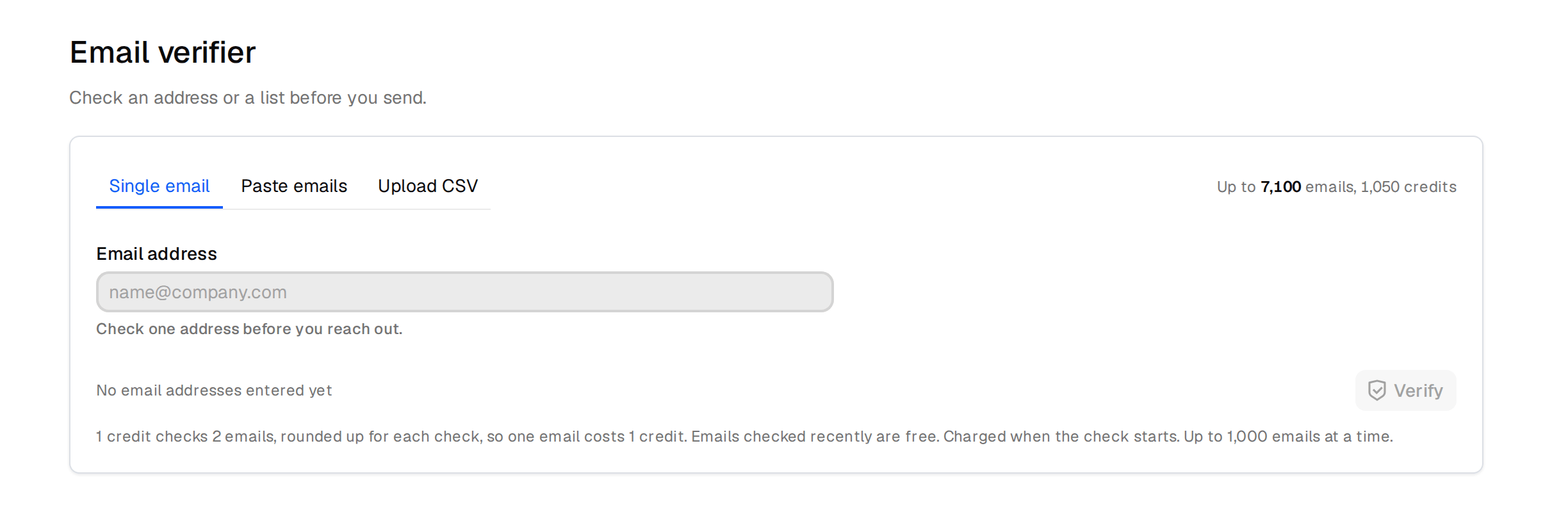
- Check lists from anywhere else before you send to them. Open Email verifier in the sidebar, then paste addresses or upload a CSV.
Let the campaign protect you
Two campaign settings catch problems before they grow. Stop on reply ends the follow-ups for anyone who answered, so nobody gets a follow-up after saying no. Bounce protection pauses the campaign when the bounce rate passes a limit. New campaigns start with 10% after the first 100 people. You get an email when it triggers, and resuming is up to you. Fix the cause before you resume. Bounce protection has the details.
The numbers to watch
Look at campaign analytics a few days after launch.
- A bounce rate well under 1% is what a clean list gives you. Above 2%, the list is the problem. Pause, check that only Valid addresses went in, and take catch-all out. Bounce protection stops you at 10%, but you want to act long before that.
- Replies that suddenly drop to zero while sends continue often mean emails are landing in spam. Lower the daily limits, check warm-up and look at the mailbox's reputation on the Inboxes page.
- Many "not interested" replies are a message problem, not a deliverability problem. Change the email, not the mailboxes.
Keeping bounce rates low and mailbox statuses go deeper.
